
Education · School students · Digital life
Healthy screen habits depend less on the total hours than on being able to stop.
A weekly usage figure tells a student very little. This session works on purpose, timing and the end of a session — what the device was picked up for, when it is used, what it displaces, and the cue that closes it. Each student leaves with a routine they wrote themselves.
Explore this page9 sections
In short
Healthy screen habits is a supervised group session GullyFuture runs inside schools for Classes 5 to 12. Students map their own daily device use, separate learning from recreation, examine interruptions and evening routines, and write a personal screen plan. GullyFuture does not prescribe a single screen-time limit, and the session is educational guidance rather than clinical assessment.
Why this matters
A weekly usage report settles almost nothing
Two students with the same figure can have entirely different weeks. The useful questions are what the time was for, when it happened, and what it replaced.
An hour of screen is not one thing
Researching an assignment, a video call with a grandparent, a match with friends and a scroll that nobody chose all count the same in a usage figure and are not the same activity.
Stopping is the hard part, not starting
Feeds and episodes are built to continue without a decision. A student who has an ending cue — a finished task, an alarm, a person expecting them — closes a session far more easily than one relying on willpower.
Interruption costs more than the interruption
A notification answered during study takes the minute it took, plus the time to find the thread of the work again. Students rarely count the second part.
The evening is where everything collides
Homework, entertainment, family time and sleep are competing for the same two hours. Most screen arguments in a household are really disagreements about that window.
Households end up arguing about the device
Once the phone becomes the subject, the routine never gets discussed. Agreeing when and where devices are used is a shorter conversation than negotiating every evening.
Sitting still and looking close is a physical routine too
Breaks, movement and how a screen is set up are part of the habit. Anything persistent — disturbed sleep, sore eyes, headaches — is a matter for a qualified professional, not for a workshop.
What we cover
The parts of a screen routine students work on
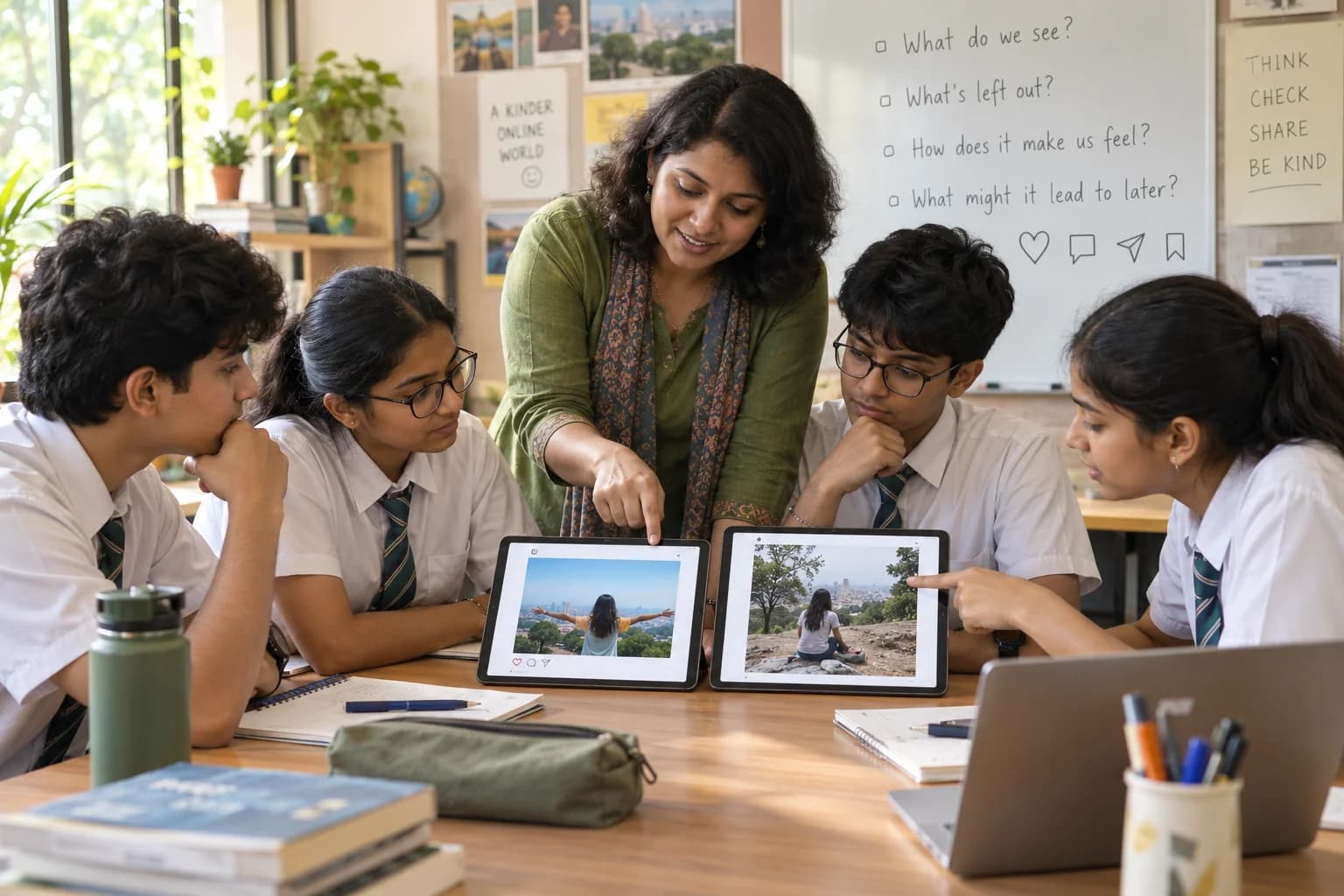
The safety of what is on the screen belongs to digital safety, and the pull of platforms to social media awareness. This session is about purpose, timing and stopping.
Mapping an ordinary day
Students sketch their own last twenty-four hours by purpose and time of day. The sheet stays with them; nobody reads it out and nothing is collected.
Learning use and recreational use
Telling them apart honestly, including the common case where a study session on a device drifts into something else within ten minutes.
Cues: what starts a session and what ends it
Boredom, a notification, a queue, a lull between subjects. Students identify their own most frequent starting cue and choose a deliberate ending cue to test.
Notifications and device-free study blocks
Setting up a study block where the device is out of reach rather than face-down, and deciding in advance which messages genuinely cannot wait.
The last hour before bed
Building a wind-down routine that does not depend on self-control — where the device charges, what replaces the last scroll. We suggest no fixed cut-off time and no required number of hours.
Breaks, movement and set-up
Standing up between study blocks, looking away from the screen periodically, and a sitting position that can be held for an hour.
Expectations at home and at school
Why agreed rules survive longer than imposed ones, and how a student can propose a routine at home instead of defending one.
A personal screen plan
Two or three specific changes, written in the student's own words, with a date to review whether each one actually held.
In the session
The working parts of the session
Practical and non-judgemental. No usage figures are compared, and no student is asked to justify their week.
- A private day-mapping sheet, filled in individually and kept by the student.
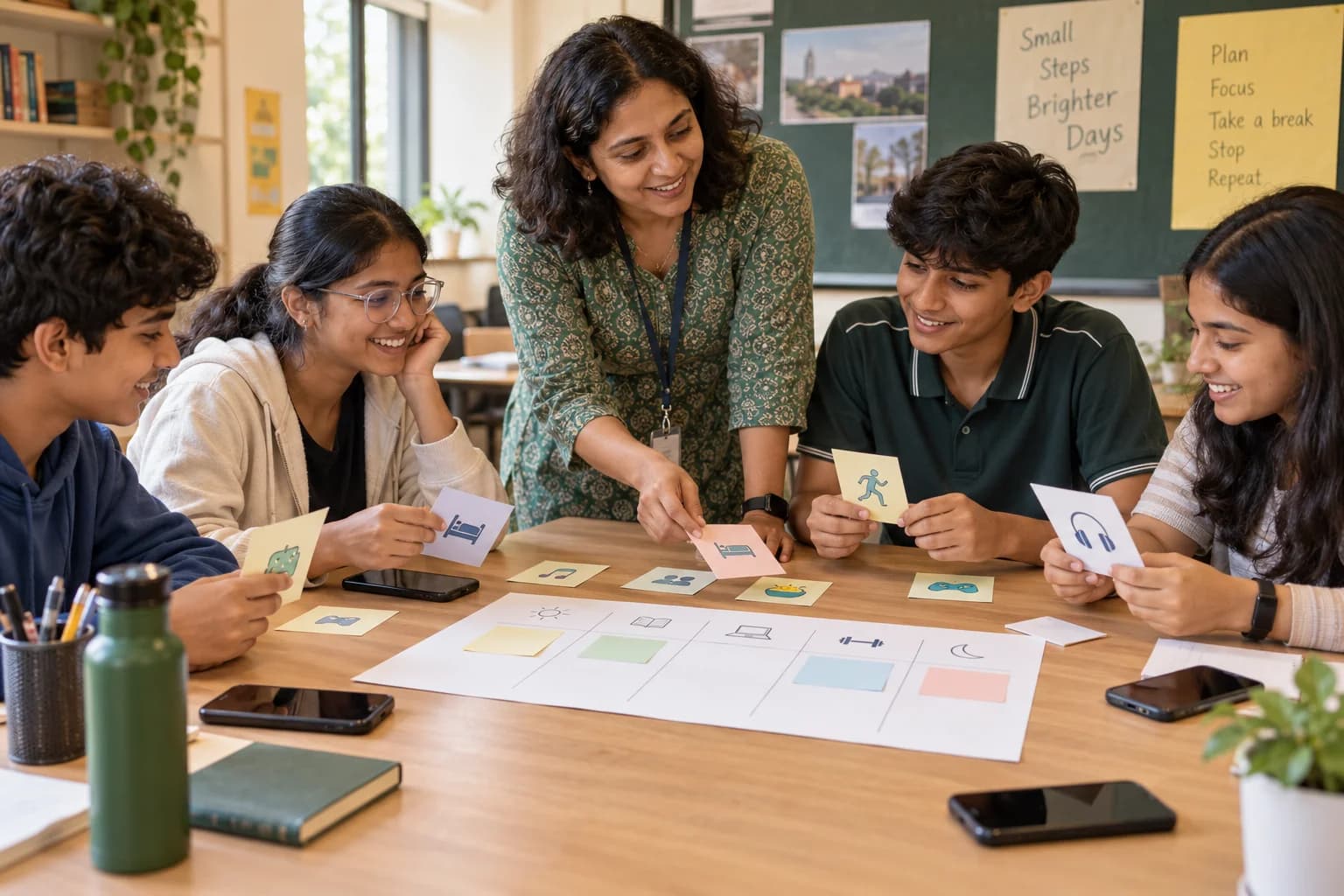
- A sorting activity in which the group categorises screen activities by purpose rather than by duration.
- A short experiment on interruptions: a task completed once with notifications arriving and once without, then a discussion of the difference.
- A group design task — build an evening routine for a fictional student with homework, a match to watch and an early start.
- A stopping-cue exercise, where each pair proposes an ending signal for a specific activity and argues for it.
- Drafting a personal screen plan with two or three changes and a review date.
- A scripted practice for proposing a routine at home, for students who say the argument is the real obstacle.
By age
What changes between a Class 6 and a Class 12 group
The method is identical at every stage. The autonomy assumed and the examples are not.
Classes 5 to 7
Concrete and playful: where the tablet lives, what happens before homework, what happens after dinner. Rules are mostly set by adults at this stage, so the work is on following a routine and asking for one that is fair.
Classes 8 to 10
Study interruptions, gaming sessions that overrun, group chats at night and the evening squeeze. Students negotiate rather than comply, and practise saying what they will do instead of what they will stop.
Classes 11 to 12
Long study days that are themselves on screens, coursework and entertainment on the same device, and a workable boundary during an examination term.
What students leave with
Modest, and all of it observable
Observable, small and written by the student. No claim is made about what follows.
- Each student produces a personal screen plan with two or three specific, dated changes.
- Students can name their own most common cue for picking up a device.
- Students practise one ending cue for an activity that usually runs longer than intended.
- Students set up one device-free study block and describe how they will hold it.
- The school receives attendance, topics covered and an aggregate note on themes raised, with no individual usage information.
Formats
Ways this can run at your institution
Pick what fits the group, the hall and the time you can give it. Most schools start with one session and decide afterwards.
Interactive workshop
Classroom-sized. Scenarios, discussion, reflection, and an action worksheet the student keeps.
Awareness session
A concise introduction for a larger group — an assembly or a year group — closing with moderated questions.
Short programme series
Two or more connected sessions, with something to practise in between and a closing reflection.
Parent session
Held separately for parents — home routines, communication, expectations and boundaries.
Teacher orientation
For staff: facilitation, what to watch for, how to follow up, and where the referral boundary sits.
What the school provides
This session works best when it sits alongside the school's existing device rules rather than arriving as a separate set.
Start a conversation- A class group and a room where students can write and work in pairs.
- A staff coordinator to share the school's device policy and homework load.
- Teacher supervision for the full session.
- Forty minutes to ninety minutes, depending on format.
- Writing surfaces for every student — this session produces a document each one keeps.
- An indication of when in the term it falls, since an examination month changes the examples.
- The school's referral route, for any teacher concern that arises afterwards.
Safeguarding
How sessions with students are kept safe
Screen use is easily turned into a judgement about a student or a household. The session is designed so that it is not.
- Programmes are arranged through the institution and run in approved group settings, supervised throughout by a school-designated adult.
- No unsupervised one-to-one mentoring of a student, and no private messaging or personal contact between a contributor and a student.
- Contributors are screened and briefed for the role they are given, and may not use a session to sell or promote anything.
- We collect only the information a programme needs, and seek institutional and parent or guardian consent where it is required.
- A student's photograph, quote or story is used only with specific permission obtained beforehand.
- Anything touching safety, abuse, severe distress or self-harm follows the institution's own escalation and professional-referral process.
- No diagnosis of addiction or dependency is offered or implied, and facilitators do not assess or label any student's use.
- Usage sheets, day maps and screen plans stay with the student; they are not collected, marked, compared or shared with staff or parents.
- Students are not asked to state their screen time aloud, to show a usage report, or to hand over a device for inspection.
- Where a teacher, parent or student raises a worry about use that sounds persistent or distressing, we direct it to the school's referral pathway and qualified professional support rather than handling it in the session.
- Household routines are discussed without criticism of any family's rules, and no student is asked to describe what happens at home.
Privacy, consent and child-data wording on this site is being reviewed against current Indian law before any student information is collected. See our privacy notice for what we hold and why.
Questions
Questions schools ask us
Does GullyFuture recommend a specific screen-time limit?
No. We do not publish a single number of hours, and we do not present one as settled fact. Recommendations vary by age, by purpose and by source, and they change. The session works on purpose, timing, interruptions and stopping instead, and each student writes their own plan. Schools wanting a stated threshold should take it from current health-authority guidance.
Are phones collected during the session?
Only if your school's usual policy requires it, in which case your staff handle it as they normally would. We do not require devices to be surrendered, and facilitators never inspect a student's phone, accounts or usage reports. Some formats use devices briefly for a settings walkthrough, which the coordinator agrees beforehand.
Is gaming part of the discussion?
Yes, and not as a vice. Gaming is treated like any other screen activity: what it is for, when it happens, whether it has an ending point, and what it displaces on a school night. Students who play seriously are usually the most useful contributors to the discussion about stopping cues.
How can parents avoid a daily argument about devices?
The parent session takes this directly. It covers agreeing a routine in advance rather than negotiating each evening, separating the rule from the relationship, choosing one or two changes instead of a full regime, and keeping the device from becoming the only subject discussed at dinner. It offers practical approaches, not guarantees.
Does the programme identify screen addiction?
No. We do not diagnose, assess or label any student, and this is educational guidance rather than clinical care. If a parent or teacher is worried that a student's use is persistent, distressing or affecting sleep, eating or school, that belongs with a qualified professional through the school's referral pathway, and we will say so plainly. Families can also reach Tele-MANAS, the government's free 24-hour mental-health helpline, on 14416.
How is this different from the time management programme?
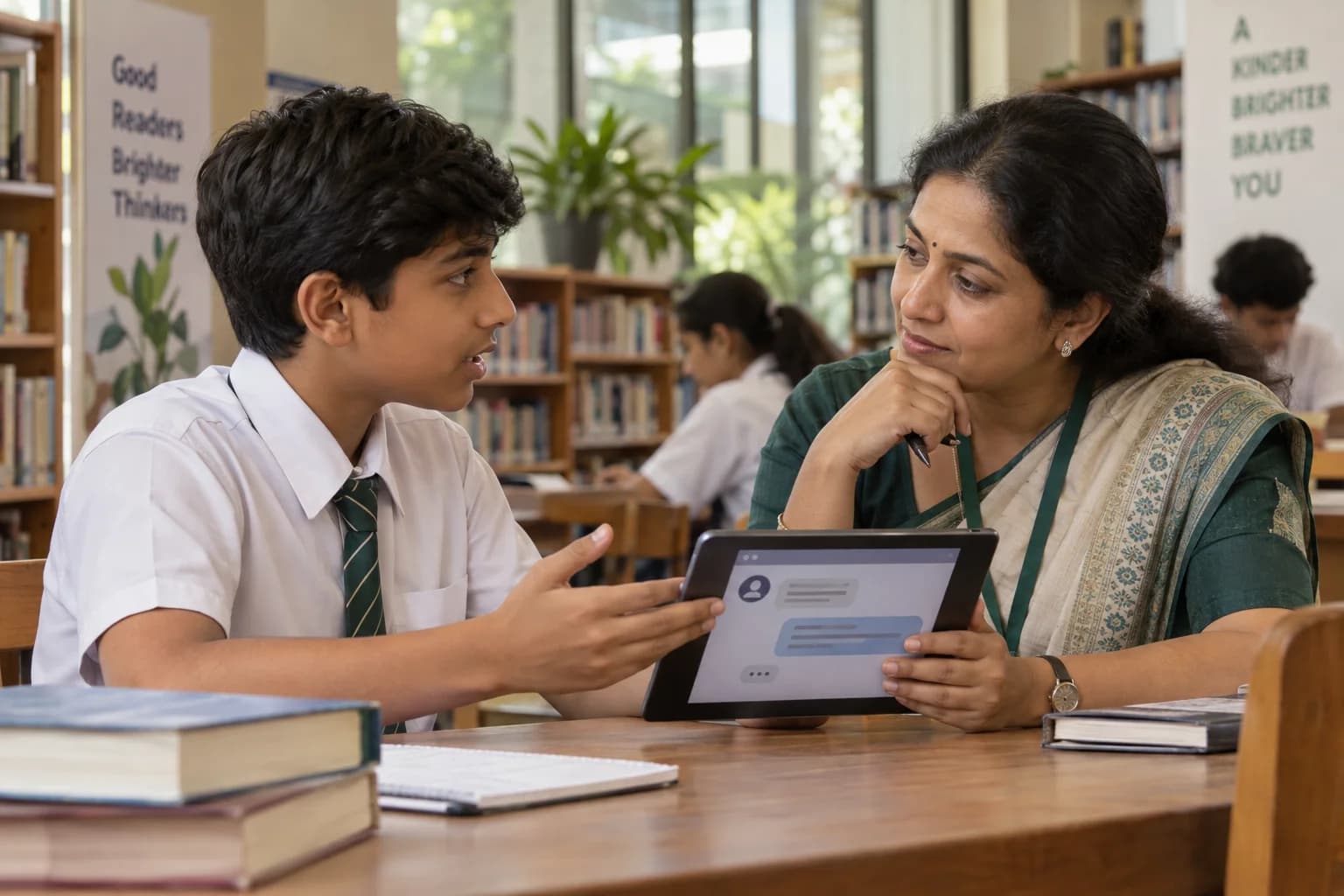
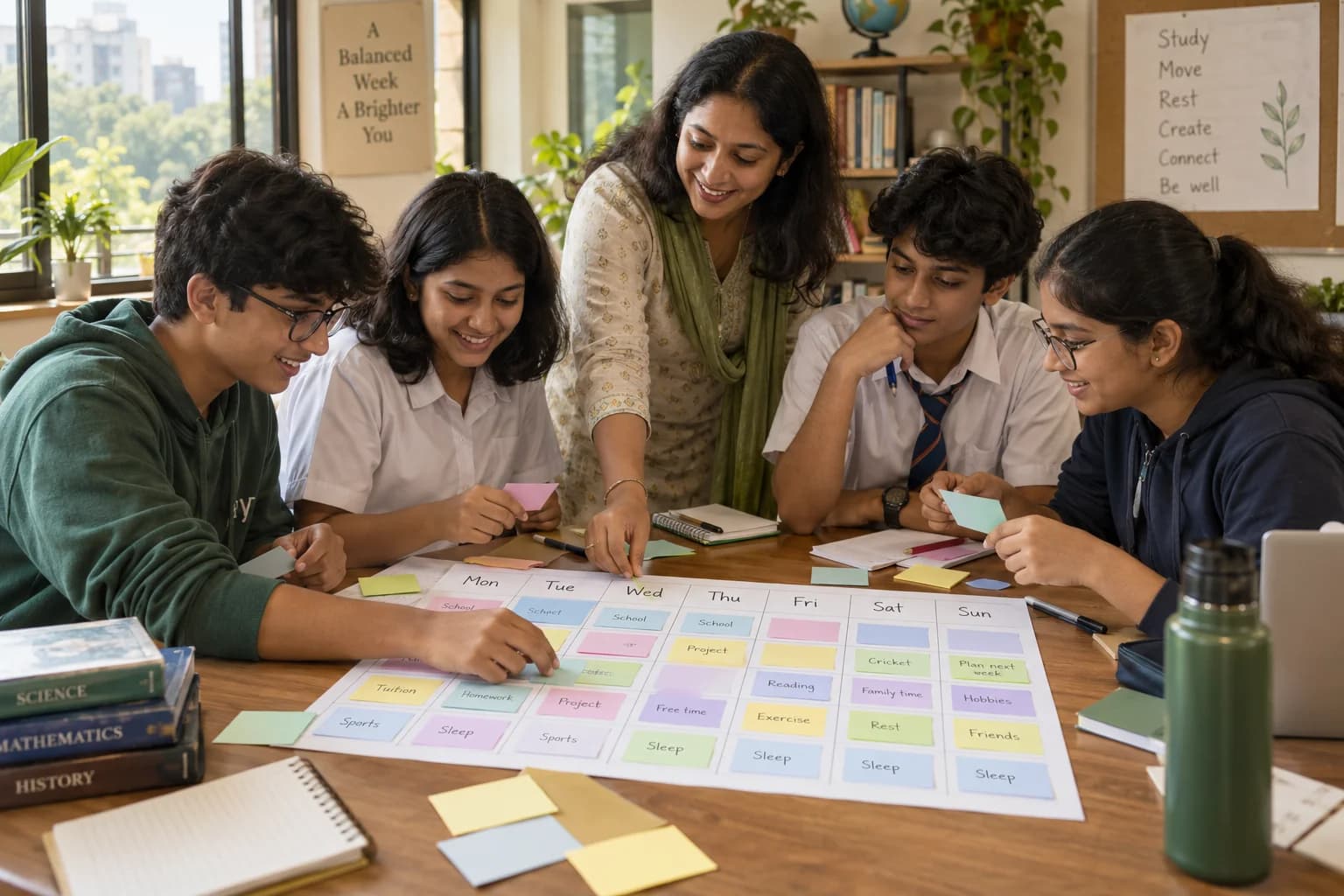
Time management is about planning work — priorities, schedules, deadlines and how a week is allocated. This session is about the device specifically: what it is picked up for, the interruptions it creates, the evening routine and the ability to end a session. Schools often run them in sequence, in either order.
Related programmes
What schools usually look at next


About GullyFuture
GullyFuture is an initiative of Gully Future Foundation, Bengaluru. We design practical, age-appropriate group programmes and bring suitable educators, professionals and mentors to institutions that invite us. The institution provides the student group, the venue, supervision and the local context; we shape the programme and find the right people to run it.
We are not a tuition centre, a counselling or therapy service, a diagnostic service, a course marketplace, or a motivational-speaking business. We provide educational guidance and programme facilitation — not tuition, therapy, diagnosis, crisis care or guaranteed career counselling.
More about Gully Future FoundationPage review
Last reviewed . Guidance pages are re-read as programmes run and as rules change.
- Press Information Bureau — Tele-MANAS tele-mental health service launched (Ministry of Health and Family Welfare) — Confirms the 24x7 service on toll-free number 14416. A helpline is support, not a diagnosis, and does not replace the school's own referral route.
Bring this initiative to your institution
Tell us the class group, the point in the term and your current device policy. We will propose a format and the examples that will fit your students.