
Education · School students · Digital life
Digital safety for students is a set of decisions, not a list of banned applications.
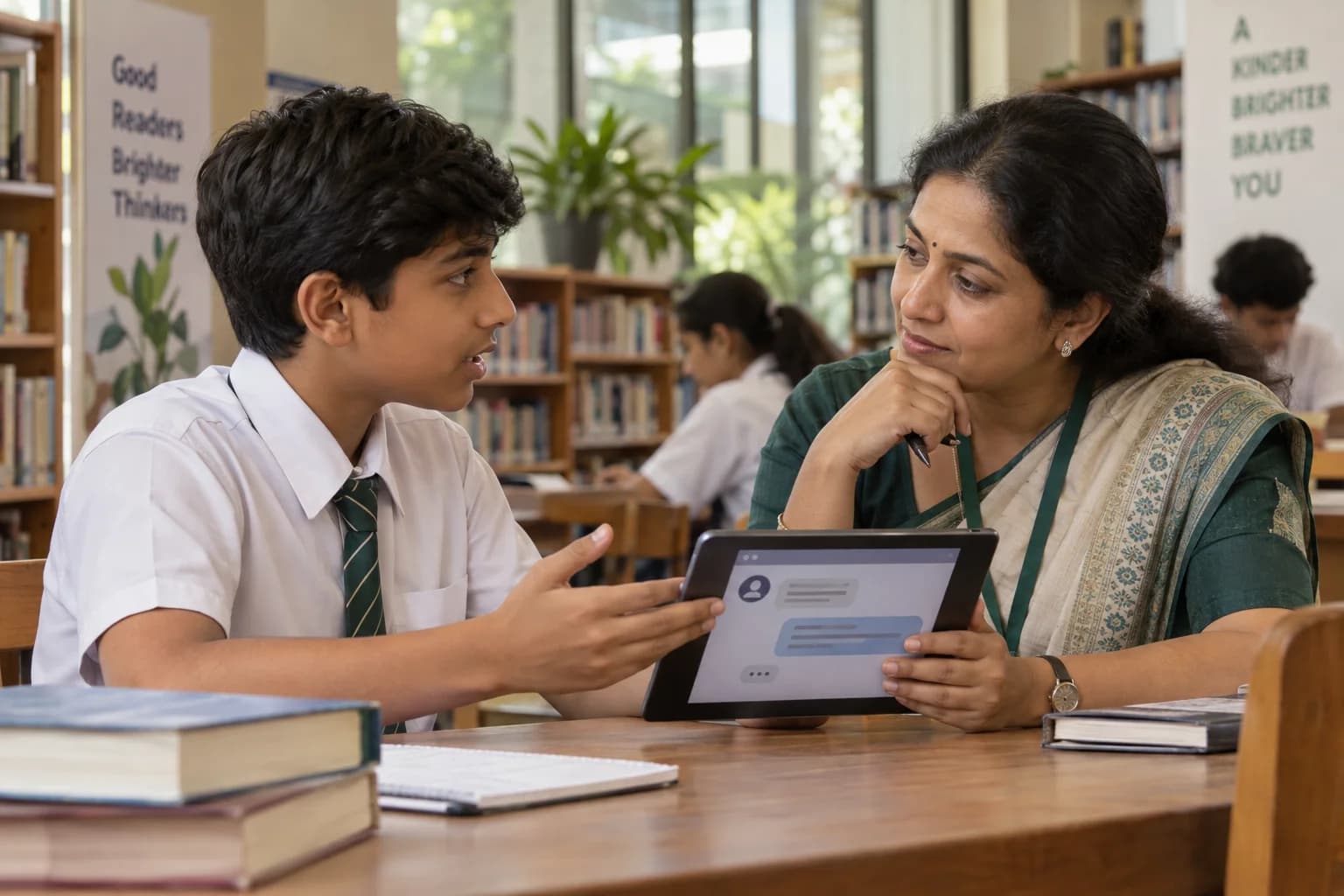
This programme works on what a student can actually control: what goes into a profile, who is allowed into a conversation, how an urgent-sounding message is checked, and who gets told when something online stops feeling right. Arranged through the school and run as a supervised group session.
Explore this page9 sections
In short
Digital safety at GullyFuture is a supervised group programme run inside schools for Classes 5 to 12. Students practise protecting personal information, judging unknown contacts and online requests, thinking before an image is shared, and reporting to a trusted adult. The institution provides the group, venue and supervision; GullyFuture designs and facilitates the session.
Why this matters
Most online trouble begins with an ordinary-looking decision
Students are rarely careless. They are usually fast, trusting of a familiar name, and working without a habit of checking.
The risky moment does not announce itself
A link arrives from a classmate's account. A game offers a reward for a quick sign-in. A message says an account will close today. Nothing in those moments looks like the warning in a poster.
Personal information leaks in small pieces
A school name in one profile, a class photograph in another, a locality in a third, a routine in a fourth. Each piece is harmless; together they describe a student precisely.
A shared password is a favour that outlives the friendship
Students share logins as a sign of trust — with a friend, a cousin, a group. Accounts stay shared long after the closeness that prompted it has changed.
An image stops belonging to you once it is forwarded
Deleting a post does not recall the copies. The practical skill is the decision before sending, and the habit of asking before posting a photograph that has somebody else in it.
Students often know the rule and not the route
Most can recite that they should tell an adult. Fewer know which adult, what to say, or what will happen next — and many stay quiet because they expect the device to be taken away.
Convincing content is now easy to produce
Text, voice and images can be generated to imitate a person or an organisation. Students need a checking habit that does not depend on whether something looks real.
What we cover
What students work on in the session
Eight practical areas. Attention, comparison and reputation on social platforms sit on the social media awareness page; this session stays with protection and judgement.
The digital footprint they are already building
What a profile, a comment, a tagged photograph and a public list of followers add up to, and how a student can look at their own accounts the way a stranger would.
Personal information and privacy settings
What does not belong in a bio or a status: full address, school and section, daily timings, family details, location tags on photographs taken at home.
Passwords and account security
Different passwords for different accounts, why a shared login is a shared account, keeping a recovery option that works, and turning on the extra verification step a service offers.
Unknown contacts and requests
Requests from accounts nobody knows, a conversation that moves to another application, flattery, gifts, and any request to keep a conversation secret from parents or teachers. The secrecy is the signal, whatever the reason given.
Scams and online manipulation
Prizes, free game currency, part-time work offers, urgency and countdowns, and requests for a one-time password. Students practise one response: stop, do not reply, show an adult.
Images, sharing and consent
Asking before posting a photograph of a friend, removing a picture when asked, and refusing a request for a private image without needing to justify the refusal.
Cyberbullying and content that upsets them
Keeping evidence rather than deleting it, not replying, and reporting. A sexual image of anyone under 18 is the exception: it is never forwarded or kept, and goes straight to an adult. The wider work on bullying, bystanders and school relationships has its own programme, which this session points to.
Using AI tools and online information responsibly
Not entering personal or family details into a tool, checking a claim against a reliable source before acting on it, and understanding that a confident answer is not a verified one.
In the session
Working through it, scenario by scenario
Students decide and explain rather than listen. Every scenario is written to be ordinary, not alarming.
- A short explanation of the digital footprint, using a made-up profile the group examines together.
- A sorting exercise: information that can be public, information that stays private, and information that depends on who is asking.
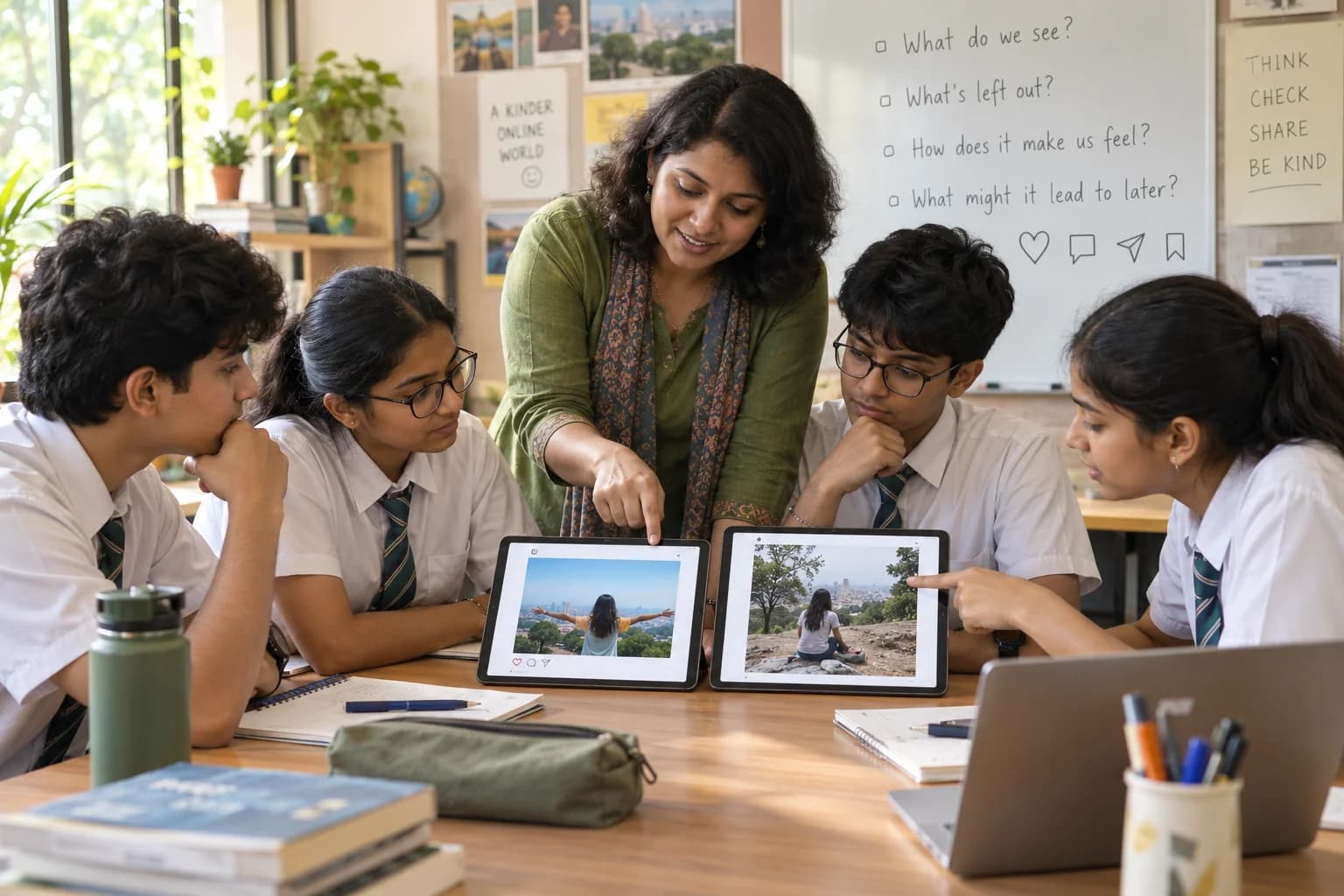
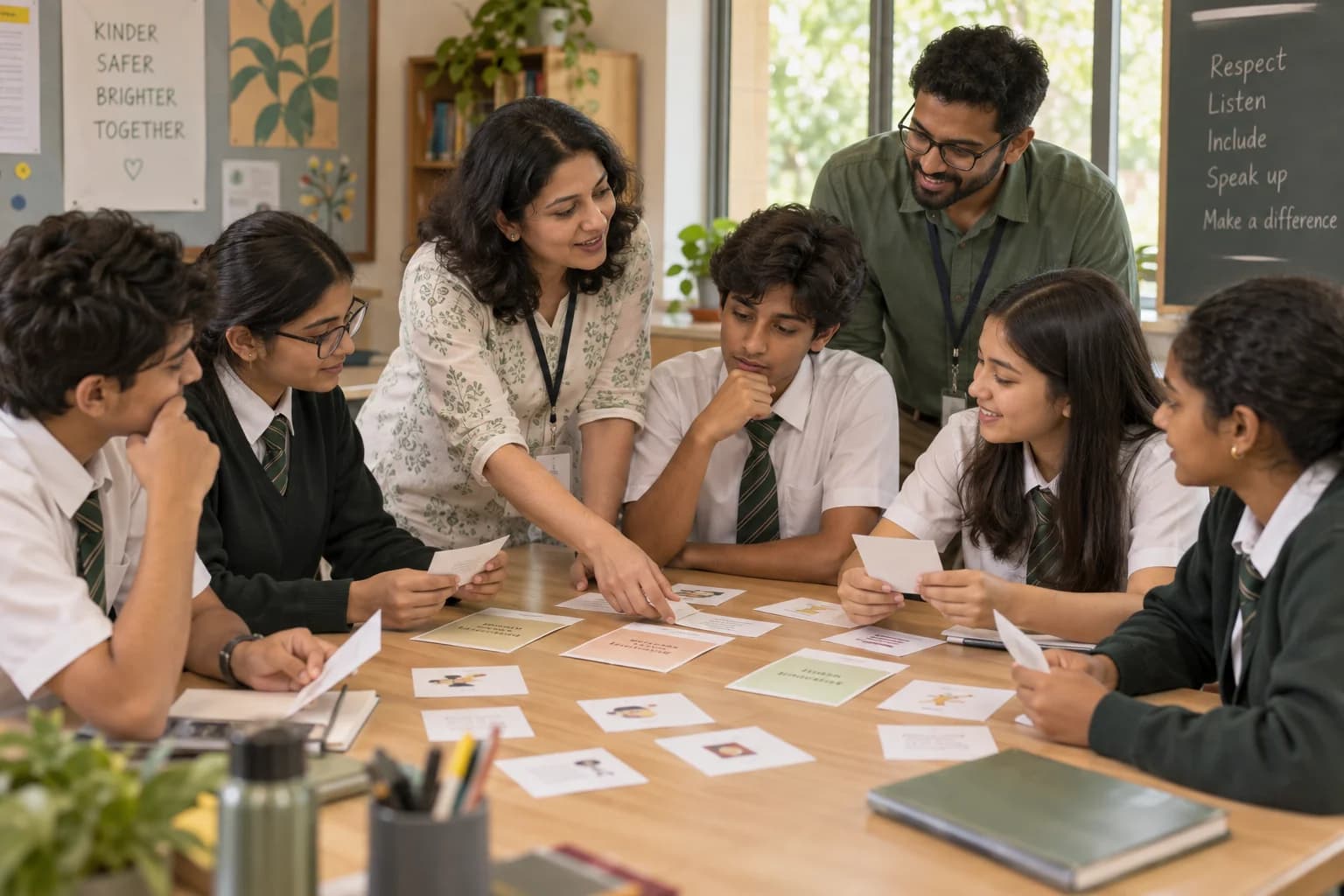
- Scenario cards in small groups — a suspicious message, a friend request from an unknown account, a photograph shared without permission — where each group decides the next step and says why.
- A spot-the-signal round on scam messages, working from the wording and the request rather than from a list of bad websites.
- A walkthrough of where the report, block and privacy controls generally sit on a device, using the school's own equipment where the format allows.
- A private worksheet on which each student writes the two adults they would tell, and one setting they intend to change. It is not collected.
- Anonymous written questions, answered generally to the whole group.
By age
The same subject, told three ways
The rules do not change with age. The examples, the vocabulary and the amount of detail do.
Classes 5 to 7
Simple, concrete rules with clear reasons: keep your name and school out of public profiles, never share a password, tell an adult about anything that feels uncomfortable. Games and group chats supply the examples. Nothing graphic, and no adult scenarios.
Classes 8 to 10
Reasoning replaces rules. Students work through pressure from a friend, a request that seemed reasonable at first, and the difference between an account they recognise and a person they know.
Classes 11 to 12
Wider ground: a footprint that follows an application or a first job, financial scams aimed at students, account recovery, and using AI tools without handing over personal or institutional information.
What students leave with
Modest, and all of it observable
What a session can reasonably produce, stated as what students do rather than what they become.
- Students can name at least two adults they would tell, and what they would say first.
- Students identify one privacy or account setting they intend to change that week.
- Students practise a checking response to an unexpected message instead of a reply.
- Students can explain why a request for secrecy from an online contact is treated as a signal.
- The school receives attendance, the topics covered and an aggregate note on the themes students asked about.
Formats
Ways this can run at your institution
Pick what fits the group, the hall and the time you can give it. Most schools start with one session and decide afterwards.
Awareness session
A concise introduction for a larger group — an assembly or a year group — closing with moderated questions.
Interactive workshop
Classroom-sized. Scenarios, discussion, reflection, and an action worksheet the student keeps.
Short programme series
Two or more connected sessions, with something to practise in between and a closing reflection.
Parent session
Held separately for parents — home routines, communication, expectations and boundaries.
Teacher orientation
For staff: facilitation, what to watch for, how to follow up, and where the referral boundary sits.
What the school provides
The session is built around your students and your rules on devices, so a short planning conversation beforehand matters more than equipment.
Start a conversation- A class or year group, with a room that suits its size.
- A staff coordinator to agree the examples, and to tell us what the school has already covered.
- Teacher supervision for the whole session.
- Forty minutes to two hours, depending on format.
- The school's device and mobile-phone policy, so the session does not contradict it.
- A clear statement of who a student should approach in your school after an online incident.
- Projection for the workshop and awareness formats.
- Any recent pattern the school would like addressed, described without naming students.
Safeguarding
How sessions with students are kept safe
A digital safety session invites students to talk about things that have already happened to them. These conditions govern what we do when that occurs.
- Programmes are arranged through the institution and run in approved group settings, supervised throughout by a school-designated adult.
- No unsupervised one-to-one mentoring of a student, and no private messaging or personal contact between a contributor and a student.
- Contributors are screened and briefed for the role they are given, and may not use a session to sell or promote anything.
- We collect only the information a programme needs, and seek institutional and parent or guardian consent where it is required.
- A student's photograph, quote or story is used only with specific permission obtained beforehand.
- Anything touching safety, abuse, severe distress or self-harm follows the institution's own escalation and professional-referral process.
- Students are never asked to describe or show an incident from their own account, and a facilitator redirects a personal account of one rather than exploring it in front of the group.
- Anything suggesting harm, exploitation, grooming or an unsafe adult contact goes to your designated staff member the same day, through the school's process, and we do not promise a student secrecy.
- Facilitators do not look at students' devices, accounts or messages, and do not ask students to open an account or a chat during a session.
- Scenarios are written and reviewed to avoid graphic description, and younger groups receive a shorter, gentler set of examples.
- Screenshots or messages a student brings are handed to the school's designated adult, not read out, retained or photographed by a contributor.
- Contributors do not connect with students on any platform, before or after a session, and do not offer to help with an account privately.
Privacy, consent and child-data wording on this site is being reviewed against current Indian law before any student information is collected. See our privacy notice for what we hold and why.
Questions
Questions schools ask us
Does this programme cover social media?
It covers the safety side of it: privacy settings, unknown contacts, requests, scams, images and reporting. The separate social media awareness programme covers how platforms hold attention, comparison, reputation and misinformation. Schools often run digital safety first and follow it with social media awareness for Classes 8 and above, though either can be booked on its own.
Is this a cybersecurity or technical class?
No. There is no coding, hacking demonstration or network content. The session is digital citizenship and personal safety — passwords, account recovery, privacy settings, recognising a manipulative message, and knowing the reporting route. The technical side of computing and artificial intelligence is covered in our technology and AI programme instead.
Does the session discuss inappropriate or harmful content?
It is acknowledged without being described. Students are told that some content is not meant for them, that seeing it is not their fault, that they will not be blamed for reporting it, and what to do next. There is no graphic detail, no images, and the depth is set by class stage and by the school beforehand.
Are younger students included?
Yes, from Class 5, with a different session. Younger groups get short concrete rules with reasons, examples from games and group chats, more activity than explanation, and no adult scenarios. Schools running this for middle school often pair it with a parent session, since device rules at that age are largely set at home.
What should happen after an online incident at school?
That follows your school's own process, which we do not replace. What the session adds is the student's part of it: do not reply, keep the evidence rather than deleting it (but never forward a sexual image of a minor), block and report on the platform, and tell a named adult the same day. We ask the coordinator to confirm who that adult is so students hear a real name.
Where can a family report online fraud or abuse in India?
The National Cyber Crime Reporting Portal (cybercrime.gov.in) takes reports of cyber crime, with a special focus on crimes against women and children, and helpline 1930 runs 24 hours. Childline 1098 is the national helpline for children in difficult situations. These are public services, not GullyFuture's. A parent session on home routines is available separately.
Related programmes
What schools usually look at next


About GullyFuture
GullyFuture is an initiative of Gully Future Foundation, Bengaluru. We design practical, age-appropriate group programmes and bring suitable educators, professionals and mentors to institutions that invite us. The institution provides the student group, the venue, supervision and the local context; we shape the programme and find the right people to run it.
We are not a tuition centre, a counselling or therapy service, a diagnostic service, a course marketplace, or a motivational-speaking business. We provide educational guidance and programme facilitation — not tuition, therapy, diagnosis, crisis care or guaranteed career counselling.
More about Gully Future FoundationPage review
Last reviewed . Guidance pages are re-read as programmes run and as rules change.
- UNICEF — Cyberbullying: what is it and how to stop it — Advises telling a trusted adult, blocking and reporting on the platform, and collecting evidence such as messages and screenshots; notes that cyberbullying leaves a digital footprint that can serve as evidence.
- Press Information Bureau — National Cyber Crime Reporting Portal and helpline 1930 — Confirms the portal at cybercrime.gov.in, with a special focus on crimes against women and children, and the toll-free 24x7 helpline 1930 for reporting cyber crimes including online harassment and financial fraud.
- National Cyber Crime Reporting Portal (Ministry of Home Affairs) — The official portal, with sections for women and children related crime, financial fraud and reporting abuse to social media platforms.
- Press Information Bureau — Awareness programme on child sexual abuse and the POCSO Act — Notes mandatory reporting by anyone aware of such a crime, and the amended provisions penalising storing or possessing pornographic material involving a child in specified circumstances while allowing it to be held for reporting or as evidence in court.
- Press Information Bureau — Child Helpline and ERSS-112 (26 July 2023) — Describes 1098 as the national toll-free 24x7 helpline for children in difficult situations.
Bring this initiative to your institution
Tell us the class stage, the size of the group and your device policy. We will propose a format, the examples that suit the age, and the people who could run it.